The path to your stack

A big step for your brand.
A small lift for your team.

Get access to your core tools within a week of kickoff. Start with a solid foundation, then keep making it yours.

Your first week, mapped out

Bring your brand.
We’ll bring the foundation.

A proposed kickoff plan for a standard configuration, once the required access and assets are ready.

01 / ALIGN & CONNECT

Set the direction.

Confirm your goals, locations, and starting tools. Gather brand assets and the required Mindbody or Kite access.

  • Brand assets and priority journeys
  • Platform access and studio setup
  • Scope and launch responsibilities
02 / CONFIGURE & PREVIEW

Make it feel like you.

Apply the brand, curate packages, configure the first customer journeys, and prepare the team’s access.

  • Content, offers, and merchandising
  • Booking and checkout configuration
  • Tracking and integration settings
03 / REVIEW & ACTIVATE

Put the tools to work.

Review the experience, walk your team through the tools, and activate the agreed web and campaign experiences.

  • Brand and journey review
  • Operator walkthrough
  • Links, widgets, and core tools
The one-week target covers access to agreed core tools after kickoff, with assets and access available. Custom development, complex integrations, and native app submission or review have separate timelines. We confirm your rollout plan before starting.
Ready out of the box

All the tools you need.Already built.

Branded apps, member portals, booking, checkout, and marketing tools. Start with the tools in your plan, ready to configure without a custom development project.
  • Launch landing pages, widgets, and storefronts
  • Manage app content, navigation, and offers
  • Give every location the right tools and access
Explore what’s included
Branded apps
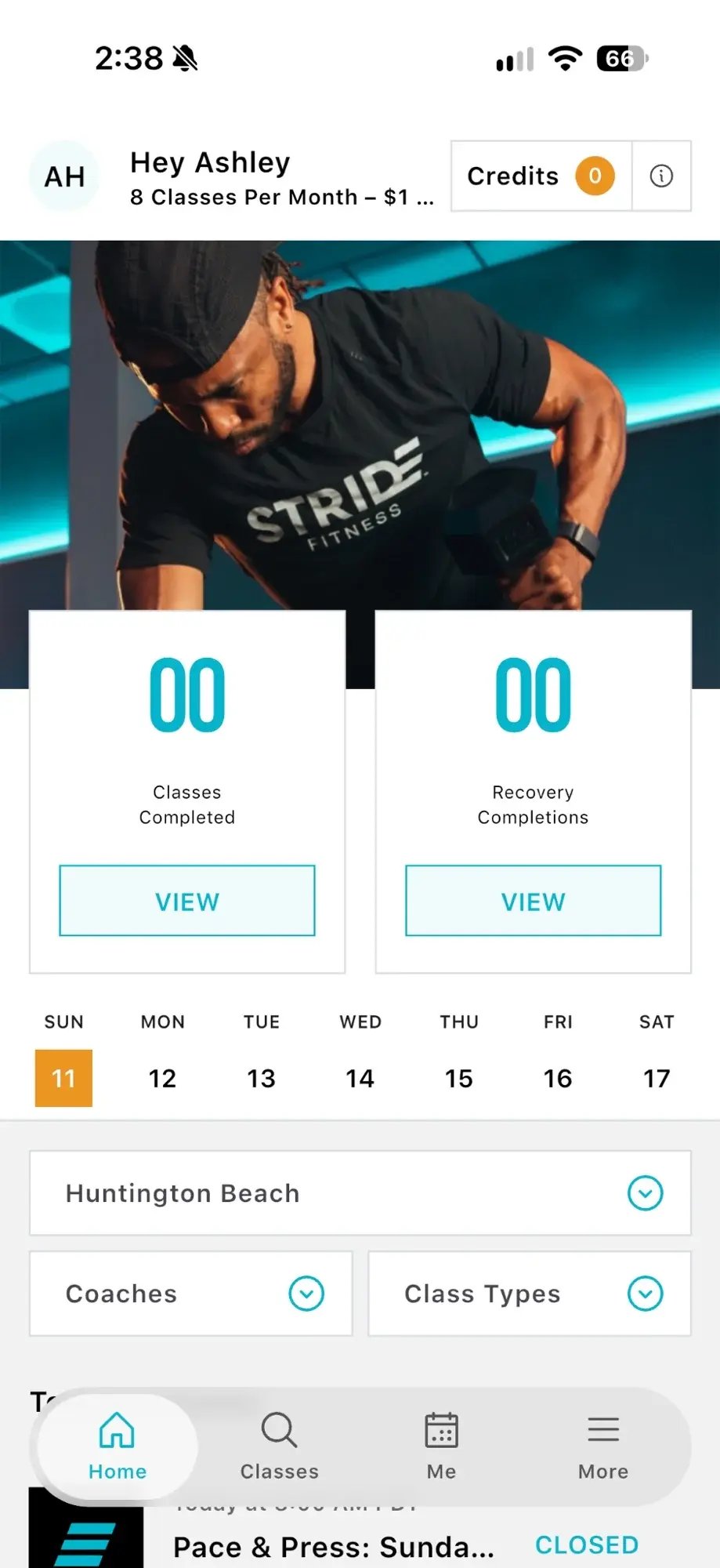
Branded native app with studio photography, class activity, member credits, and booking navigation
Member portal
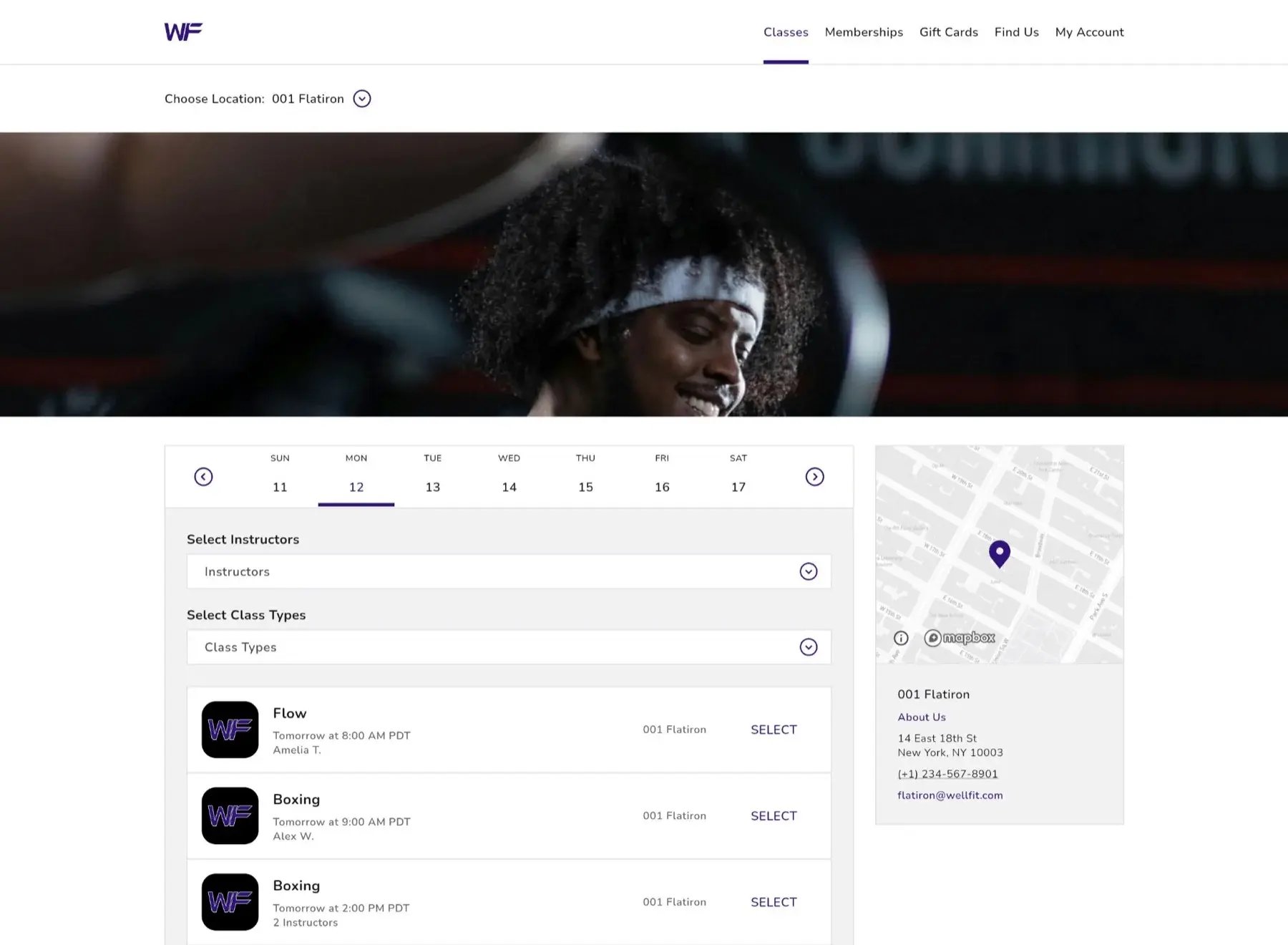
Member portal with branded photography, class schedule, filters, and location information
Landing pages
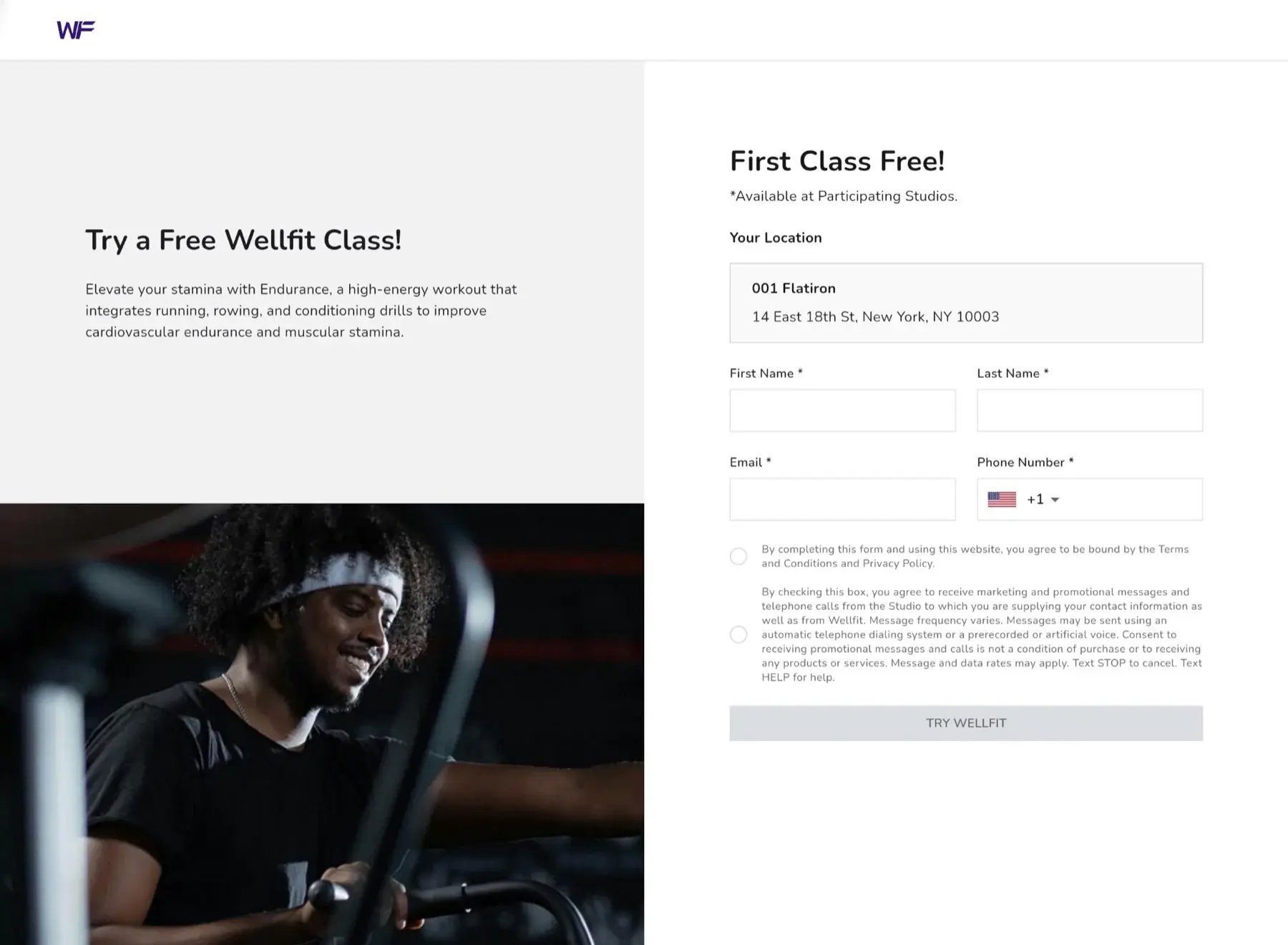
Branded first-class offer landing page with photography, studio details, and a lead form
Checkout
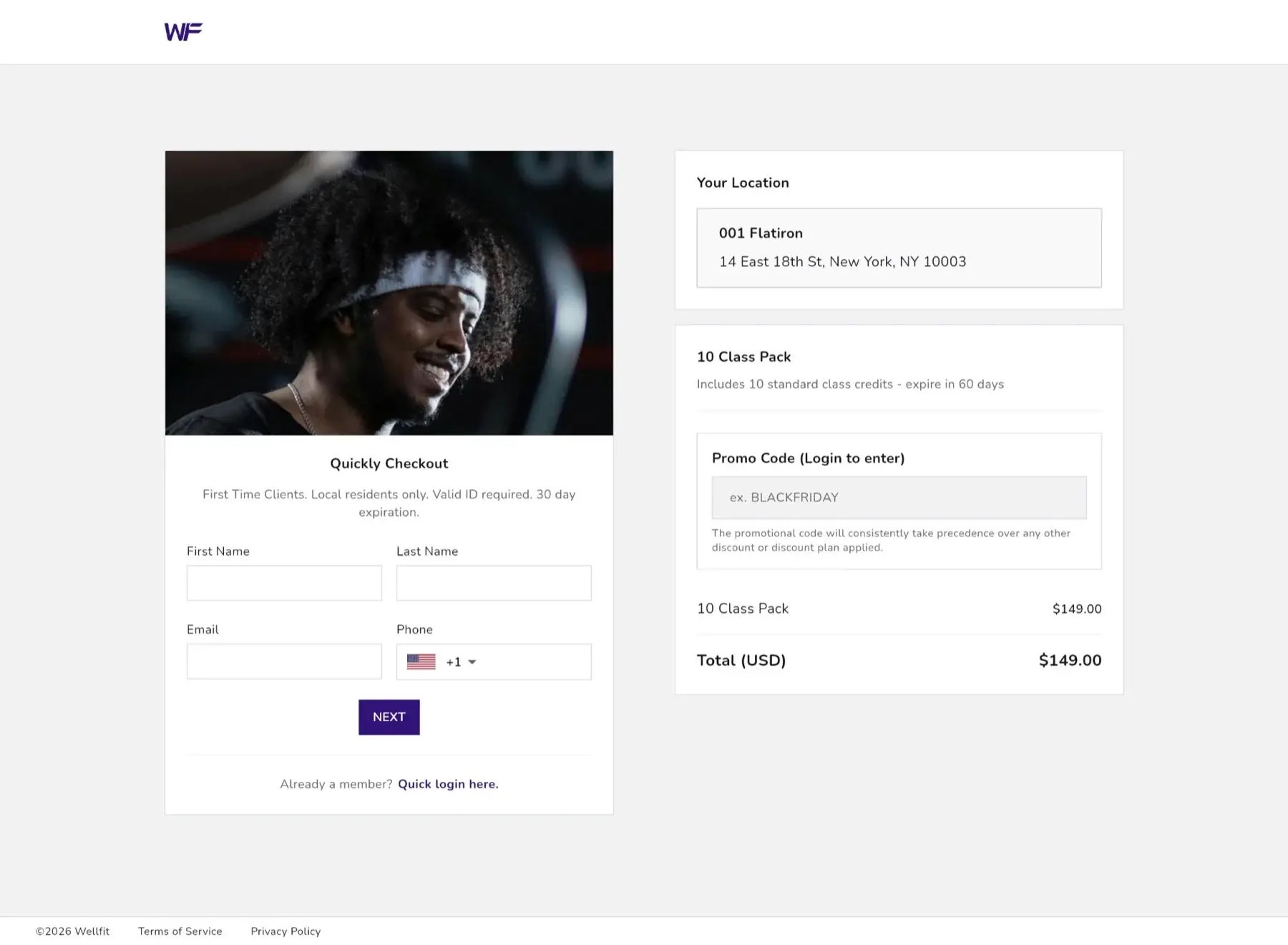
Single-page checkout with a class-pack offer, location, contact fields, and purchase summary
Studio StackYour connected foundation
Connected to Mindbody or Kite
Good questions

A little clarity
before we talk.

Does Studio Stack replace Mindbody or Kite?

No. Studio Stack connects to Mindbody or Kite to shape the customer-facing experience. Your member management platform continues to power the underlying business operations.

How is this different from a standard branded app?

Studio Stack brings the app together with a member portal, landing pages, widgets, storefronts, checkout, and administration tools. You can configure the experience and extend it with custom development as your needs grow.

What can be ready within a week?

The goal is access to your configured core tools within a week of kickoff, once brand assets, platform access, and agreed setup information are ready. We confirm the scope together. Custom development and app-store review follow separate timelines.

Is everything customizable?

The platform is built to be customized, from brand presentation and content to journeys and deeper functionality. Many changes are available in the CMS; new behavior and integrations may need separately scoped development.

Do I need a new website to use it?

No. Schedule and package widgets can be embedded in your existing website, and checkout and landing-page links can be used in campaigns. You can start with individual tools and add the app or portal.

Can individual locations manage their own marketing?

Yes. Brand and location-scoped permissions, campaign targeting, and link-building tools let local teams act within the configuration and access set by the brand.

Make your next move
feel like your brand.

Start with the tools you need today. Build the experience you want tomorrow.

Let’s build your stackA conversation about your brand. No big tech brief required.